Introduction
Starting a YouTube channel can feel overwhelming — especially if you don’t want to be on camera or spend hours editing.
The good news?
👉 You can now use AI tools to create entire YouTube videos from scratch, even as a beginner.
Download the free guide and toolkit here
In this guide, I’ll show you the best AI tools for YouTube beginners and exactly how to use them step by step.
What Beginners Need to Start a YouTube Channel
If you’re just starting out, you only need 4 things:
- ✍️ Script
- 🎙 Voiceover
- 🎬 Video
- 🖼 Thumbnail
AI tools can handle all of this for you.
Best AI Tools for YouTube Beginners
ChatGPT – Script Writing
- Generate video ideas
- Write full scripts
- Create titles and hooks
👉 Perfect starting point for any beginner
ElevenLabs – AI Voice Generator
- Realistic human-like voices
- Easy to use
- Great for faceless channels
👉 Ideal for narration
InVideo AI – Video Creation
- Turn text into videos
- Beginner-friendly interface
- Fast results
Pictory – Script to Video Tool
- Converts scripts into videos
- Adds visuals automatically
Canva – Thumbnails
- Drag-and-drop editor
- Free templates
- No design skills needed
Step-by-Step: How to Create Your First Video Using AI
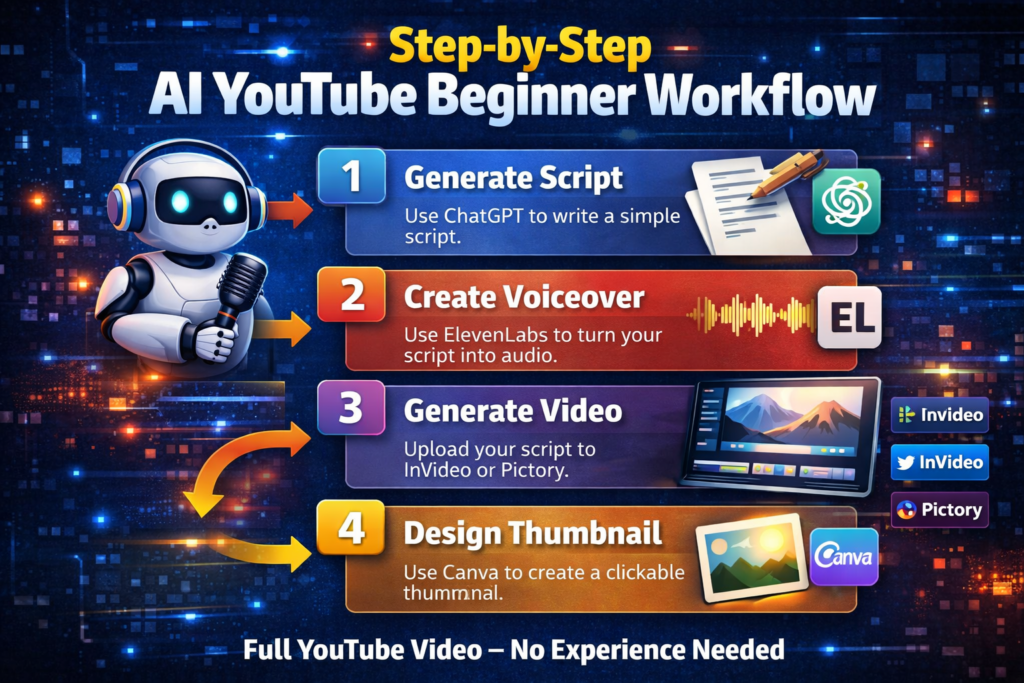
Step 1: Generate a Script
Use ChatGPT to write a simple script.
Step 2: Create Voiceover
Use ElevenLabs to turn your script into audio.
Step 3: Generate Video
Upload your script to InVideo or Pictory.
Step 4: Design Thumbnail
Use Canva to create a clickable thumbnail.
👉 That’s your full YouTube video — no experience needed.
Best YouTube Channel Ideas for Beginners (AI-Friendly)
- Motivation videos
- Facts / educational content
- AI tools tutorials
- Finance / productivity
- Story-based channels
👉 These niches work well with AI automation.
Free vs Paid Tools – What Beginners Should Know
Start with free tools.
Upgrade when:
- You post consistently
- You want higher quality
- You start earning
If you want to build a fully automated YouTube channel:
👉 Check out the best AI tools for faceless YouTube
Further read: